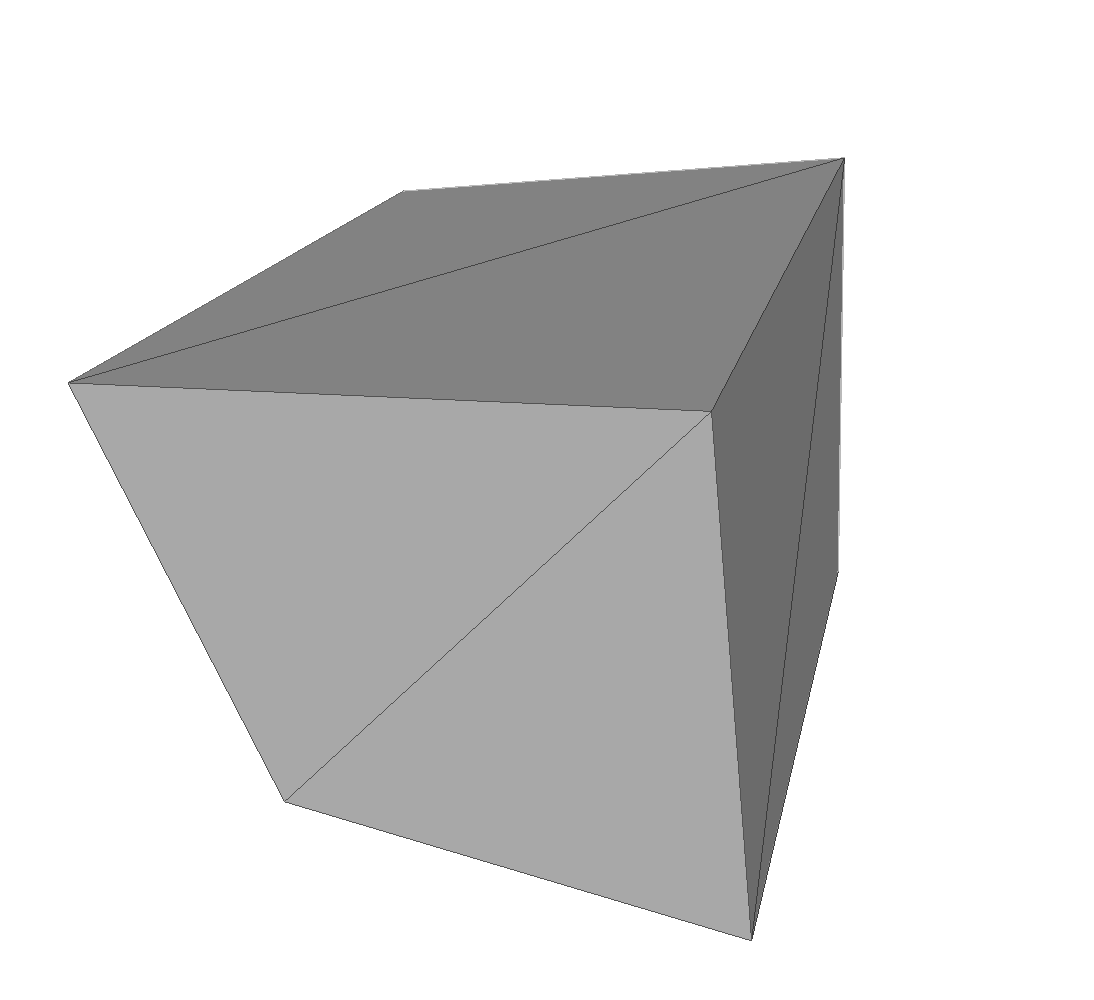
STLB is a data directory which contains examples of STLB, or "binary STL" files. "STL" stands for "stereolithography", and indicates that the primary purpose of this file format is to describe the shape of a 3D stationary object. Stereolithography is a means of creating physical 3D models of such objects, using resin or carefully cut and joined pieces of paper.
A binary STL file usually has a filename extension of ".stl".
A binary STL file contains a description of the surface of a solid that has been decomposed into triangles. The vertices of the triangles should be listed in counterclockwise order, as viewed from outside the surface. A normal vector for the triangle may also be listed.
The file begins with a solid record, (which can include a name for the object), and ends with an endsolid record. Each triangle begins with a facet record and ends with an endfacet record. The normal vector, if given, is included as part of the facet record, and is identified by the normal keyword. The normal vector should have unit length. The three vertices of the triangle are delimited by outer loop and endloop records. Each vertex is described on a vertex record that lists its (X,Y,Z) coordinates.
A binary STL file has the following structure:
The facet record has the form:
The computer code and data files described and made available on this web page are distributed under the GNU LGPL license.
MESHLAB, examples which illustrate the use of the meshlab program, an advanced mesh processing system for automatic or user-assisted editing, cleaning, filtering, converting and rendering of large unstructured 3D triangular meshes.
STLA, a data directory which contains examples of ASCII stereolithography (STL) files for 3D graphics;
You can go up one level to the DATA page.